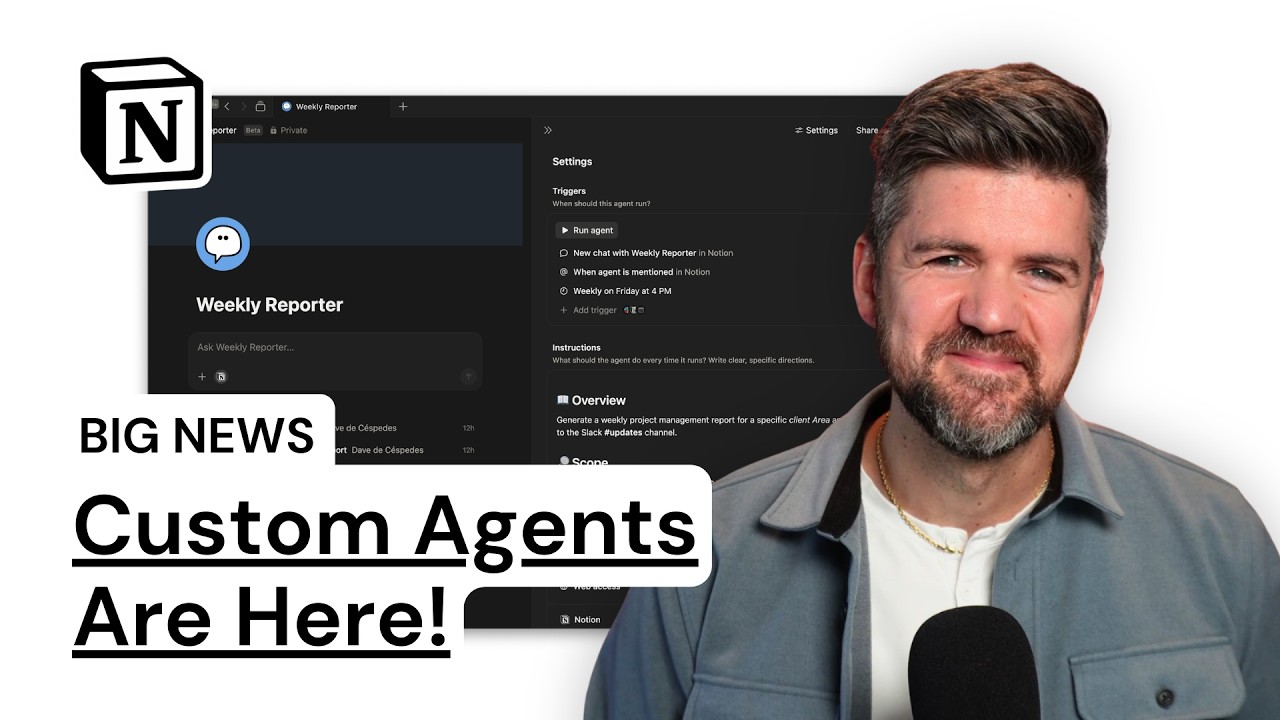
Watch the walkthrough on YouTube
Notion Custom Agents are always-on Notion AI automations that run from a trigger or schedule. Instead of opening a chat and asking Notion AI for help, you define what the agent should do, what workspace context it can access, which outside tools it can use, and when it should run.
That makes Custom Agents useful for recurring operational work: weekly project reports, new-hire Q&A, Slack support, database cleanup, task routing, and status updates. It also makes them risky if your workspace is messy. An agent does not fix unclear ownership, broken databases, or weak permissions. It amplifies whatever system you already have.
What changed with Notion Custom Agents?
The big shift is that Notion AI is no longer only a chat box. Standard Notion AI is reactive: you ask a question, request a summary, or tell it to draft something. Custom Agents are proactive: they can run when a trigger fires, on a recurring schedule, or when someone mentions the agent.
That changes the job from prompt writing to system design.
A useful Custom Agent needs four things:
- A clear outcome
- A reliable trigger
- The right workspace access
- A narrow set of permissions
Miss any of those and the agent becomes another thing your team has to babysit.
Notion AI vs. Custom Agents
Notion AI is best when a person is actively working: summarizing notes, finding information, drafting content, or answering a one-off question.
Custom Agents are best when the same kind of work happens repeatedly and follows a pattern. Think of a project manager asking for a weekly report every Friday, a new hire asking the same onboarding questions in Slack, or an operator checking which client tasks are overdue.
The difference is simple: Notion AI waits for a prompt. Custom Agents can be assigned a job.
That does not mean every workflow deserves an agent. If the work requires human judgment, has messy edge cases, or changes every week, start with a manual workflow first. If the workflow is repeatable, structured, and tied to clean Notion data, an agent may be worth testing.
How to set up your first Notion Custom Agent
Start from the Agents section in the Notion sidebar. You can create a new agent from a template or describe what you want the agent to do from scratch.
Templates are useful because they show the structure Notion expects: an overview, goals, actions, access rules, and trigger behavior. The goal is not to write a perfect constitution. The goal is to write instructions clear enough that the agent can complete the job without guessing.
Keep the first version short. Long instructions create more places for the agent to pause, misread a step, or drift from the job. A strong first agent should usually fit on one screen.
Every Friday at 4 PM, review active client projects, summarize completed tasks, flag overdue tasks, and post the update to the project updates Slack channel. Link to the relevant Notion project and task pages. Do not edit task statuses.
That instruction has an outcome, a schedule, a data boundary, a destination, and a permission limit.
Choose the right trigger
Custom Agents become useful when the trigger matches the real workflow.
The main trigger types to think about are:
- Mention trigger: useful when a person needs to call the agent into a page or conversation.
- Database trigger: useful when a property changes, a record is added, or an operational state needs follow-up.
- Schedule trigger: useful for weekly reports, recurring reviews, and routine checks.
- Slack trigger: useful when questions or requests happen in a channel.
- Mail or calendar trigger: useful when intake or follow-up starts outside Notion.
Do not start with the fanciest trigger. Start with the one your team already uses. If people ask onboarding questions in Slack, start there. If operators review a project dashboard every Friday, use a schedule. If sales handoffs happen when a deal changes stage, use the database property.
The trigger should reduce coordination. If it creates more places to check, you built noise.
Give the agent less access than you think it needs
Access is where most teams will get lazy. Do not give a Custom Agent access to the whole workspace just because it is convenient.
Give it access to the pages and databases required for the job. If the agent answers new-hire questions, connect it to onboarding docs, HR policies, culture pages, and the relevant Slack channel. If it creates a weekly project report, connect it to Projects, Tasks, Areas, and the output channel.
Then choose the lowest permission level that works. Many reporting agents only need view access. If the agent is posting to Slack, it needs read/write access to the right channel, not your entire communication layer.
This matters because agents run in the background. A bad permission choice does not just expose information. It gives the team a false sense of automation maturity.
Pick the model based on the work
Notion now gives teams more model choice inside AI workflows. The practical rule is straightforward: use a cost-effective model for routine structured work and reserve more capable models for deeper reasoning, research, or synthesis.
A weekly status report probably does not need the most expensive model available. A complex research agent comparing customer feedback, roadmap priorities, and support themes might.
The model decision is part of the ROI calculation. A Custom Agent is not valuable because it runs. It is valuable because the cost of the run is lower than the cost of the human coordination it replaces.
Test the agent before the team depends on it
Do not turn on a Custom Agent and declare victory. Test it in the smallest realistic environment.
For a reporting agent, ask it to generate the previous week's report and place the answer in the setup window before posting to Slack. Check whether it links to the right pages, filters the right projects, includes overdue tasks, and formats the update clearly.
For an onboarding agent, ask five common questions a new hire would ask. Then ask one question it should refuse or route to a person. The refusal path matters. A useful agent knows what not to answer.
The test is not whether the agent produces something impressive. The test is whether a team member would trust the output on a busy day.
Where Custom Agents actually fit
The best use cases are boring. That is good.
Use Custom Agents for:
- Weekly project reporting
- New-hire onboarding questions
- Client status summaries
- Meeting follow-up drafts
- Support or operations triage
- Database cleanup suggestions
- Slack channel Q&A from approved knowledge sources
Be careful with:
- Legal, finance, or HR decisions
- Workflows with unclear approval authority
- Databases with inconsistent properties
- Processes where source data lives outside Notion and is not connected
- Anything where a wrong answer creates real business risk
The more sensitive the workflow, the more you need human review, audit trails, and narrow permissions.
The pricing question: does this save enough time?
Custom Agents are free to try on Business and Enterprise plans through May 3, 2026. Starting May 4, 2026, Notion says Custom Agents will use Notion credits when they run, with admins able to track usage and purchase additional credits.
That means teams should use the trial period to measure real value. Do not build ten agents because the feature is new. Build one agent around a workflow that already wastes time every week.
Track three numbers:
- How often the workflow runs
- How much human time it saves
- How often the output needs correction
If the agent saves two hours per week and rarely needs edits, keep improving it. If it creates another review queue, shut it down or redesign the workflow.
The Workcraft take
Custom Agents are not magic. They are operational leverage for teams that already have enough structure for automation to trust.
If your Notion workspace is a pile of pages, half-built databases, and undocumented ownership, agents will expose the mess. If your workspace has clear databases, permissions, naming conventions, and workflows, agents can remove real coordination drag.
This is why I start AI workflow projects with a workflow audit. The question is not, "Can we automate this?" The question is, "Is this workflow clear enough that automation will make it better instead of louder?"
That is the line. Notion Custom Agents are worth using when they make a recurring workflow faster, clearer, and easier to trust. If they only make the demo look good, do not ship them.
Setup checklist
Before you roll out a Custom Agent, confirm:
- The workflow has one clear owner
- The trigger matches the way work already happens
- The agent has access only to necessary pages and databases
- The output has a clear destination
- The permission level is intentionally limited
- The model choice matches the complexity of the work
- The first test uses real data
- The team knows when to trust the agent and when to escalate
That is how you keep agents from becoming another layer of busywork.
FAQ
What are Notion Custom Agents?
Notion Custom Agents are configurable AI agents that automate recurring work in Notion and connected tools. They can run from triggers, schedules, or mentions and use approved workspace context to complete defined tasks.
Are Custom Agents different from Notion AI?
Yes. Notion AI is mainly prompt-driven. Custom Agents are workflow-driven. They can run in the background when a trigger or schedule activates.
What should my first Notion Custom Agent do?
Start with a recurring, low-risk workflow such as a weekly project report, onboarding Q&A, or Slack channel summary. Avoid sensitive decisions until your permissions, data structure, and review process are solid.
Do Custom Agents replace Zapier or Make?
Not entirely. Custom Agents are strongest when the work depends on Notion context and language-based reasoning. Zapier and Make are still better for deterministic app-to-app automation where every step should behave the same way.
Should every team use Custom Agents?
No. Teams should use Custom Agents when their workflows are repeatable and their Notion workspace is structured enough to support reliable automation. Messy systems need cleanup before agents.